Five Problems Every Production AI Feature Has to Solve
You do not need to learn a hundred AI tools to ship AI in production. You need to get good at five problems: context, cost, evaluations, guardrails, and tools. A field note on what actually breaks when AI meets real users, and how to judge every new framework against it.

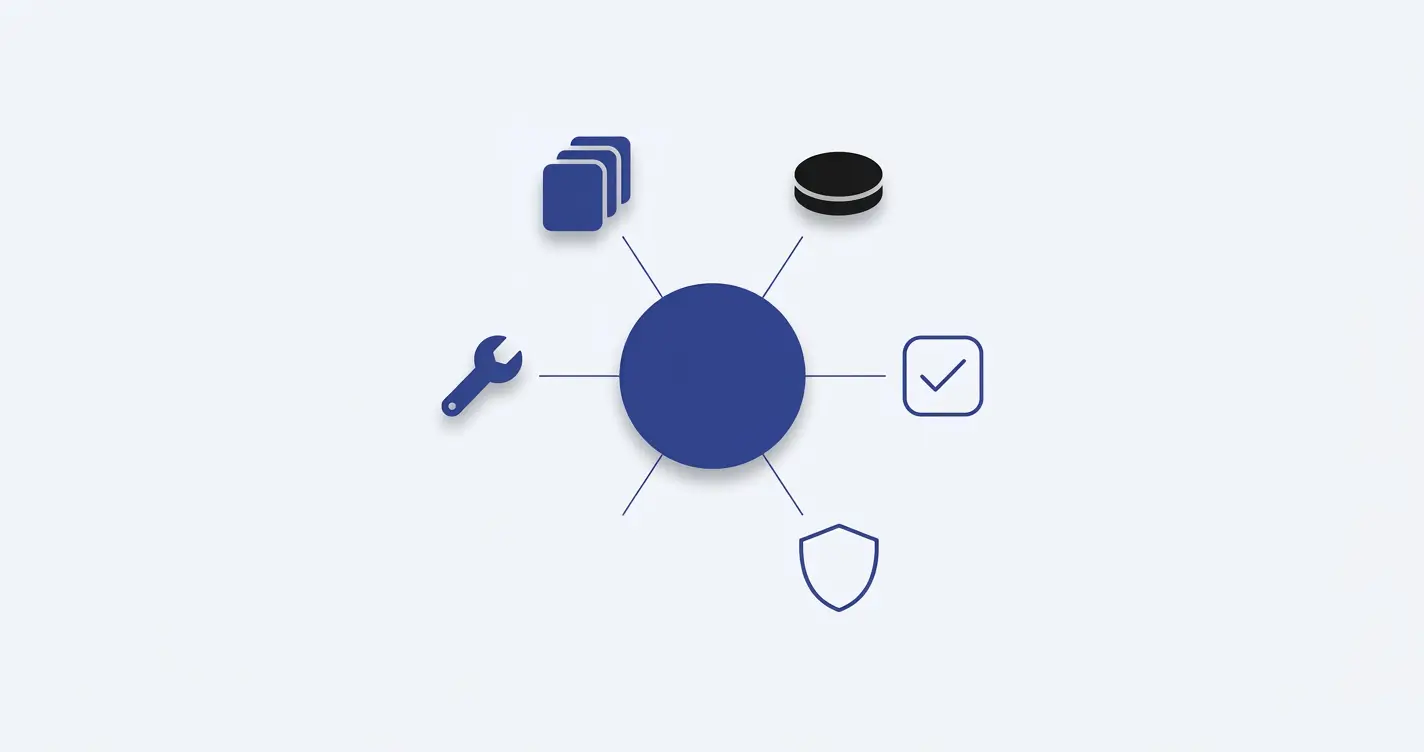
Every few weeks a new list goes around of the AI tools you supposedly need to learn. Vector databases, orchestration frameworks, agent builders, eval platforms, gateways, observability layers. The lists keep getting longer, and the implicit message is that falling behind on any one of them means falling behind entirely. I do not think that is true. You do not need to learn a hundred AI tools to ship AI in production. You need to get good at five problems.
Most of the AI work I do is adding features to products that already have real users: a support assistant that answers from a company's own documentation, an LLM step inside an existing pipeline, a chat interface on top of data that already lives in a database. In almost every case, the model call is the easy part. It is a few lines of code and an API key. What breaks is everything around it.
Why the Model Call Is the Easy Part
A demo has one user, a handful of hand-picked questions, and someone watching who already knows what the right answer looks like. Production has none of that. It has thousands of users asking questions nobody anticipated, a monthly bill that scales with every one of them, prompts that get edited by three different people over six months, and inputs that range from perfectly reasonable to deliberately hostile. The model behaves the same way in both settings. The environment does not.
When I look at what actually goes wrong after an AI feature ships, the failures fall into the same five buckets almost every time. Wrong answers, usually because the model was given the wrong information. Bills that grow faster than usage. Prompt changes that quietly make things worse. Inputs and outputs nobody checked. And, once the model can take actions, actions that should never have been allowed. Context, cost, evaluations, guardrails, and tools.
1. Context: The Model Only Knows What You Give It
A language model knows what it was trained on and what is in the prompt. It does not know your product, your pricing, your customer's order history, or the policy your support team changed last Tuesday. If the answer depends on your data, your data has to be in the prompt. That sounds obvious, and it is, but it is also the root cause of most wrong answers I get asked to debug.
Retrieval Augmented Generation, usually shortened to RAG, is the standard answer. You split your content into chunks, turn each chunk into an embedding (a list of numbers that captures its meaning), and store those embeddings in an index. When a question comes in, you embed the question the same way, find the chunks whose embeddings are closest to it, and put those chunks into the prompt. The model then answers from what you retrieved rather than from memory.
The habit that has saved me the most time is this: when an answer comes back wrong, I check retrieval before I blame the model. Nine times out of ten, the model did a reasonable job with what it was handed. It was handed the wrong chunks, or the right document split in a place that cut the important sentence in half, or nothing relevant at all because the user phrased the question in words the content never uses. Swapping to a bigger model does not fix any of those. It just produces a more articulate wrong answer.
const chunks = await search(question, { topK: 5 });

// Log what the model actually saw, not just what it said.
logger.info('retrieval', {
  question,
  chunks: chunks.map(c => ({ id: c.id, score: c.score, source: c.source })),
});

const answer = await generate({ question, context: chunks });
Logging the retrieved chunks next to every answer turns a vague complaint ("the bot said something wrong") into a specific question with a specific answer: was the right information in the context or not? If it was not, the fix is in chunking, embeddings, or the content itself. If it was, then and only then is it a prompt or model problem.
Build in a fallback for when retrieval works but generation does not. In SageDesk, if the LLM call fails or times out, the widget returns the raw matching chunks instead of an error. The experience degrades rather than breaking, and the user still gets something grounded in the right source.
2. Cost: Every Token Costs Money
A feature that costs a fraction of a cent per request feels free during development. Multiply it by every user, every request, every retry, and every page load that triggers a call nobody meant to trigger, and it stops feeling free very quickly. The pattern I see most often is not one expensive call. It is a reasonable call that runs far more often than anyone expected, with a prompt that grew a paragraph at a time until it was several thousand tokens long.
The fixes are rarely exotic, and they help more than people expect:
- Caching. Many questions repeat. Cache answers to identical or near-identical inputs, and use your provider's prompt caching for the long, stable parts of a prompt like system instructions and reference material.
- Shorter prompts. Instructions accumulate over time and rarely get removed. Every few months, cut the system prompt down and check with your evals that nothing got worse.
- Smaller models for simple steps. Classifying intent, extracting a field, or deciding whether a question needs retrieval at all does not need your most capable model. Route those to a smaller, cheaper one and save the large model for the step that actually needs it.
- Capped output. Set a sensible maximum on output tokens. Output is usually priced higher than input, and an unbounded response is an unbounded cost.
- Measurement. Track cost per feature and per user, not only the total monthly bill. A total tells you something is expensive. A breakdown tells you what.
// The cheap model decides whether the expensive one is needed.
const intent = await classify(message, { model: SMALL_MODEL });

if (intent === 'greeting' || intent === 'off_topic') {
  return cannedReply(intent);
}

return answerWithRetrieval(message, { model: LARGE_MODEL, maxTokens: 600 });
None of this is clever. It is the same discipline you would apply to database queries or third-party API calls: know what each one costs, avoid making the same call twice, and do not use the heaviest tool for the lightest job.
3. Evaluations: Without Them, Every Change Is a Guess
An evaluation set is a list of test questions with expected answers, or at least with a clear definition of what a good answer looks like. You run your system against it, score the results, and compare the score before and after a change. That is the whole idea. It is the AI equivalent of a test suite, and it does for prompts and retrieval what unit tests do for code: it tells you whether a change made things better, worse, or just different.
Without one, every prompt edit is a guess. Someone tweaks a sentence to fix a complaint, tries three questions by hand, sees better answers, and ships it. What they did not see is the twenty other questions that got slightly worse. LLM systems are unusually prone to this, because a change that helps one kind of input often hurts another, and nothing crashes when it happens.
You do not need a platform to start. Twenty or thirty real questions pulled from your logs, each with a note on what the answer must contain, is enough to catch most regressions. Score what you can check mechanically (does the answer mention the right plan name, does it cite the right source, is the JSON valid) with plain code. For the parts that need judgment, a second model with a strict rubric works reasonably well, as long as you spot-check its grading against your own from time to time.
const cases = [
  { q: 'Can I cancel my subscription mid-cycle?', mustInclude: ['end of the billing period'] },
  { q: 'Do you offer refunds?', mustInclude: ['14 days'], mustNotInclude: ['lifetime'] },
  // ...pulled from real user questions, not invented ones
];

let passed = 0;
for (const c of cases) {
  const answer = (await answerWithRetrieval(c.q)).toLowerCase();
  const ok =
    c.mustInclude.every(s => answer.includes(s.toLowerCase())) &&
    (c.mustNotInclude ?? []).every(s => !answer.includes(s.toLowerCase()));
  if (ok) passed++;
}

console.log(`${passed}/${cases.length} passed`);
Run it before every prompt change, every model upgrade, and every change to chunking or retrieval. When a user reports a bad answer, add that question to the set before you fix it. Over time the set becomes a record of every way the system has been wrong, which is exactly what you want to protect against.
4. Guardrails: Check What Goes In and What Comes Out
Users will paste anything. Entire documents, other people's personal data, instructions written to override your system prompt, or simply questions your feature was never meant to answer. Models, in turn, will sometimes say anything: a confident answer with no basis in the retrieved content, a response in the wrong format, a tone that does not fit your product, or a reply to a question they should have declined.
Guardrails are the checks on both sides of the model call. On the way in, that means limits on input length, detection of obvious prompt injection attempts, redaction of sensitive data before it reaches a third-party API, and a decision about what is in scope. On the way out, it means validating structure (if you asked for JSON, parse it before you trust it), checking that the answer is actually supported by the retrieved context, and filtering content you would not want shown under your brand.
Treat model output the way you would treat user input: untrusted until validated. If an LLM response ends up rendered as HTML, inserted into a query, or passed to another system, it needs the same escaping and validation as anything a user typed into a form.
The most useful single guardrail I know of is also the least glamorous: tell the model what to do when it does not know, and check that it does it. A support assistant that says "I could not find that in the documentation, here is how to reach the team" is far more trustworthy than one that fills the gap with something plausible. Users forgive "I do not know" much more readily than a wrong answer delivered with confidence.
5. Tools and Agents: Where Permissions Matter Most
The first four problems are about what the model says. The fifth is about what it does. Once a model can call your APIs, through function calling, an agent framework, or an MCP server, it can take real actions: update a record, send an email, issue a refund, delete something. At that point a wrong answer is no longer just a wrong answer. It is a wrong action, and some actions cannot be undone.
This is where permissions and limits matter most, and where ordinary backend engineering does most of the work:
- Least privilege. Give the model the narrowest set of tools that does the job. A support assistant that can look up an order does not also need the ability to modify one.
- Act as the user, not as an admin. Tool calls should run with the permissions of the person in the conversation, so the model can never reach data that user could not reach directly. In a multi-tenant product this is not optional.
- Confirmation for irreversible actions. Reading is safe to automate. Anything that sends, charges, or deletes should go through an explicit confirmation step from a human.
- Hard limits. Cap the number of steps an agent can take, the number of tool calls per request, and the rate at which a single user can trigger them. Loops happen, and they should end on a limit, not on your bill.
- An audit log. Record every tool call with its inputs, outputs, and the conversation that triggered it. When something goes wrong, this is the only way to find out why.
None of these rules depend on the model being well behaved. That is the point. The model operates inside a boundary decided in advance by the people who own the system, and the boundary holds no matter what the model decides to try on a given request.
How I Judge a New AI Tool
The tools change every few months. These five problems have not. Most new frameworks I look at turn out to be a different answer to one of them, and once you see that, the overwhelming list of tools starts to sort itself into a short list of categories:
- Vector databases, embedding models, rerankers, and document loaders are answers to context.
- Gateways, caching proxies, and model routers are answers to cost.
- Eval frameworks, tracing tools, and LLM-as-judge libraries are answers to evaluations.
- Moderation APIs, input classifiers, and structured output validators are answers to guardrails.
- Function calling, agent frameworks, and MCP are answers to tools.
So now when something new launches, I ask two questions. Which of the five problems does this solve? And does it solve it better than what I am already using? If I cannot answer the first question, it is usually a demo looking for a problem. If the answer to the second is no, it can wait. That filter has saved me from a lot of migrations that would have changed the code without changing the outcome.
The One That Gets Skipped
If I had to pick the problem that gets neglected most, it is evaluations, and the reason is simple: evals do not show up in a demo. Retrieval shows up in a demo, because the answers are visibly right or wrong. Cost shows up on the first invoice. Guardrails show up the first time someone posts a screenshot of your bot saying something it should not. Tools show up the moment an action goes wrong.
A missing eval set shows up nowhere. Nothing breaks. Answers just get a little worse after one prompt change, then a little worse again after a model upgrade, and nobody notices until a customer does. By then nobody can say which change caused it, because nobody measured before or after. It only shows up when something quietly gets worse, which is exactly why it is worth building first rather than last.
If you are adding AI to a product with real users, it is worth taking an honest inventory against these five. Which one are you handling deliberately, and which one are you hoping does not come up? In my experience, the one you are hoping about is the one that will.